
This article is related to PromoteMyPlace Version 2 only. Not sure which version of the application you're using? See Which version of PromoteMyPlace am I using?
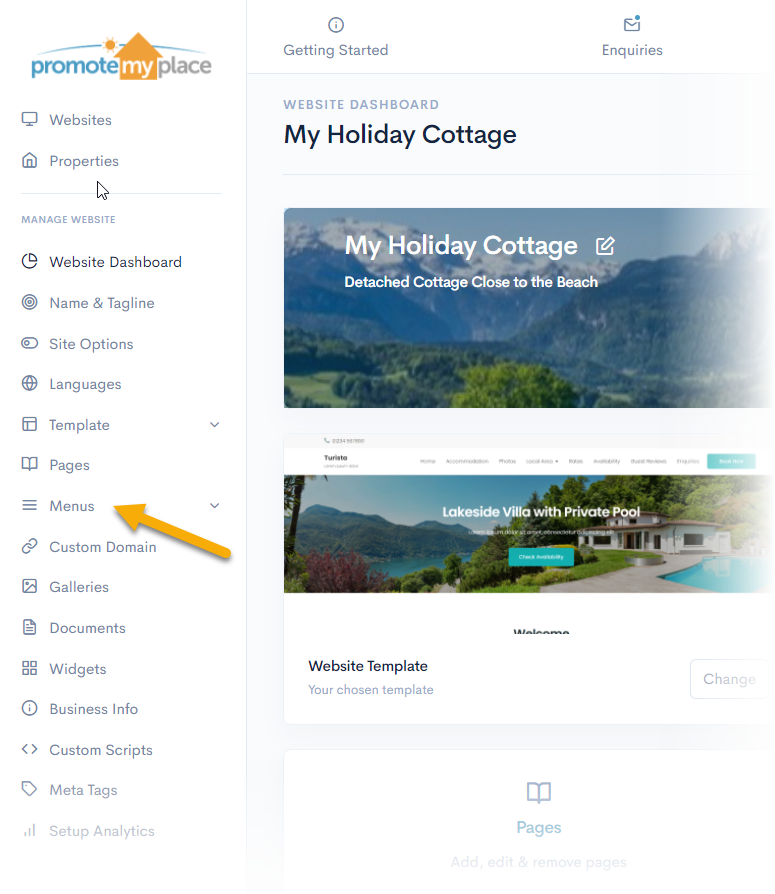
From the ‘Website’ dashboard, choose ‘Menus’
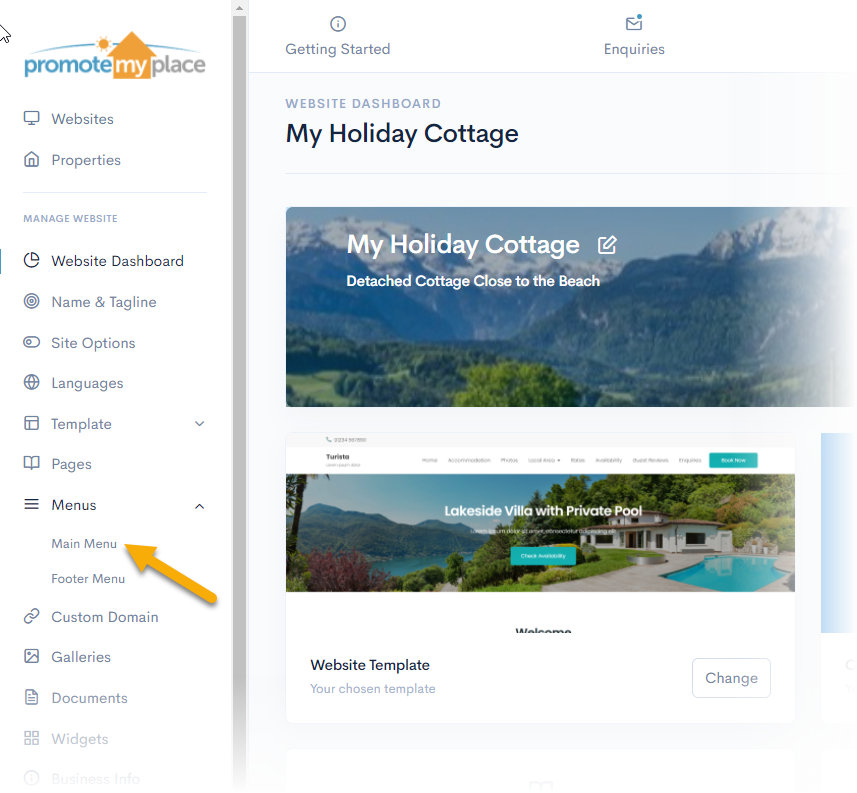
Select ‘Main Menu’
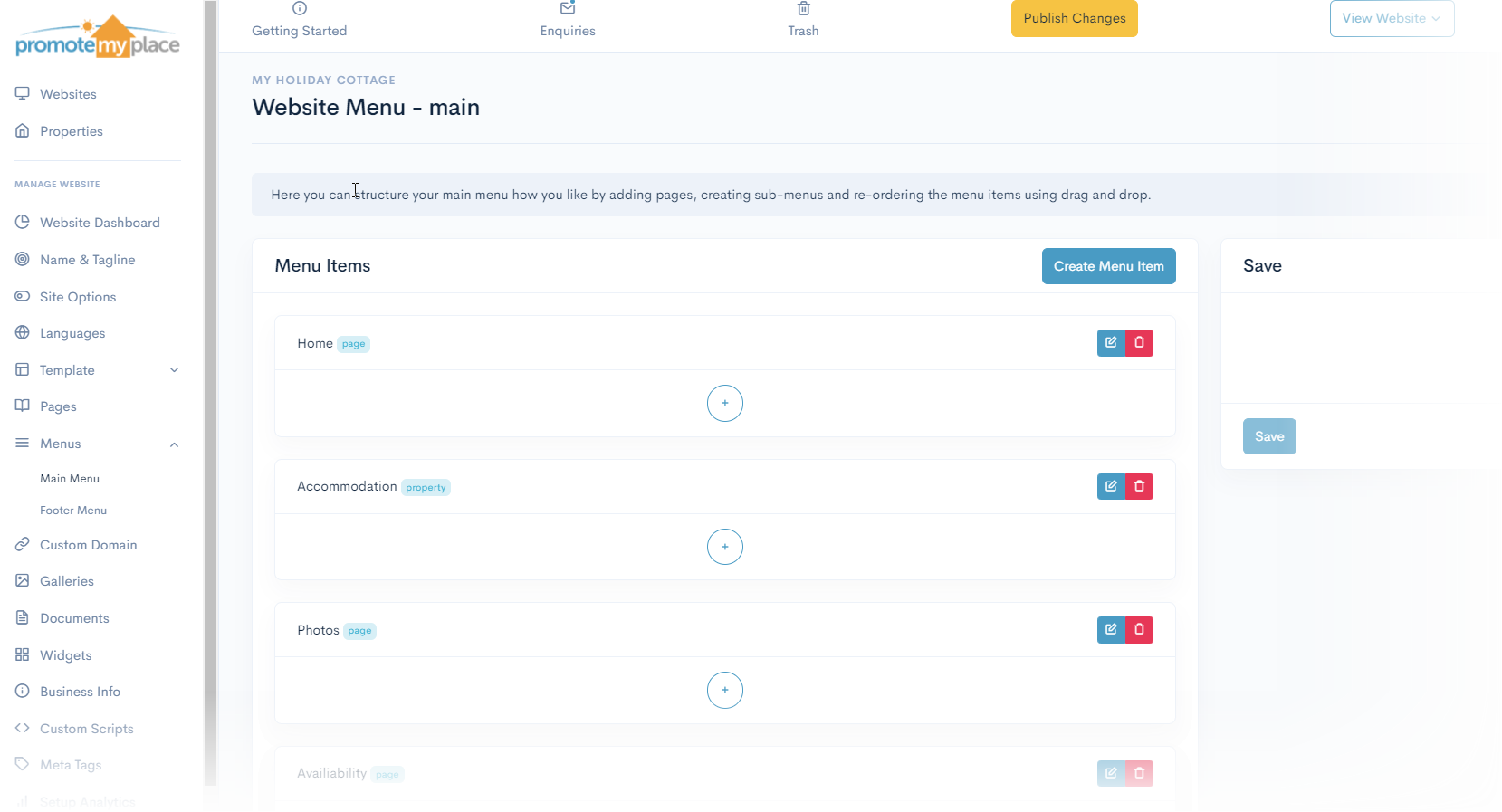
The Main Menu page will appear
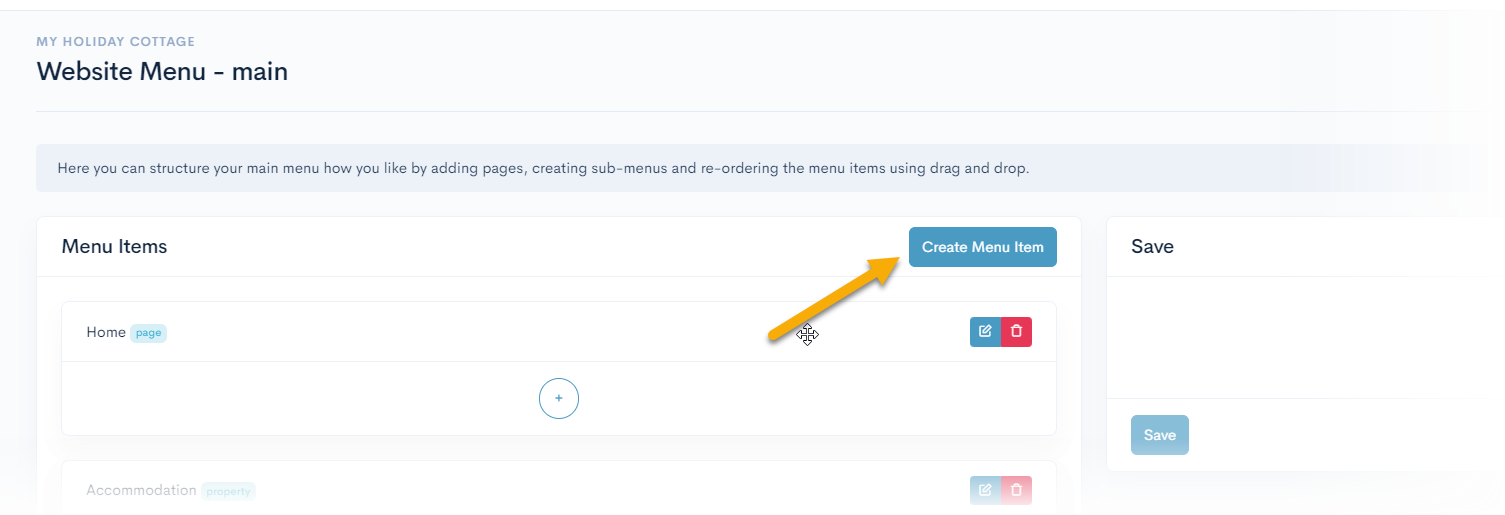
Select ‘Create Menu Item’
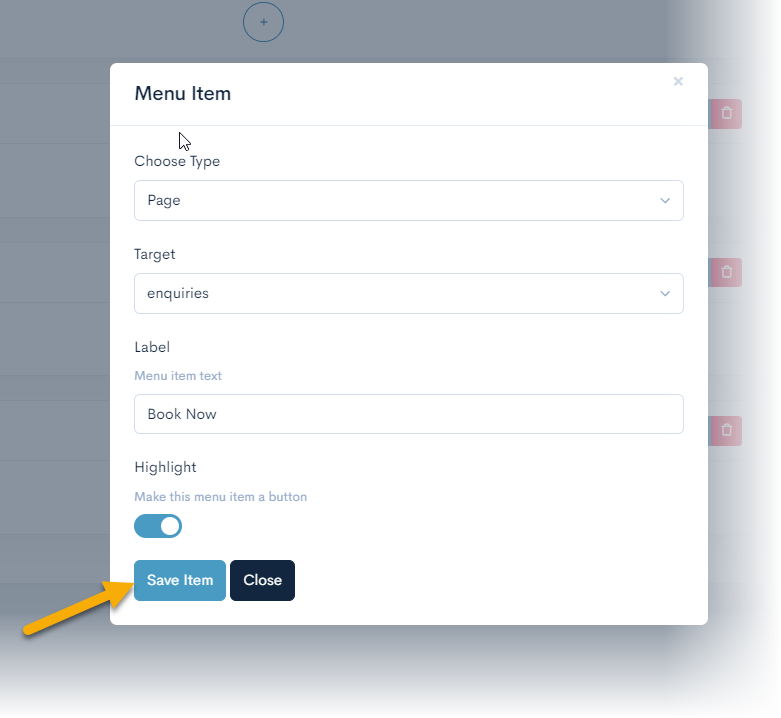
The menu item will pop up
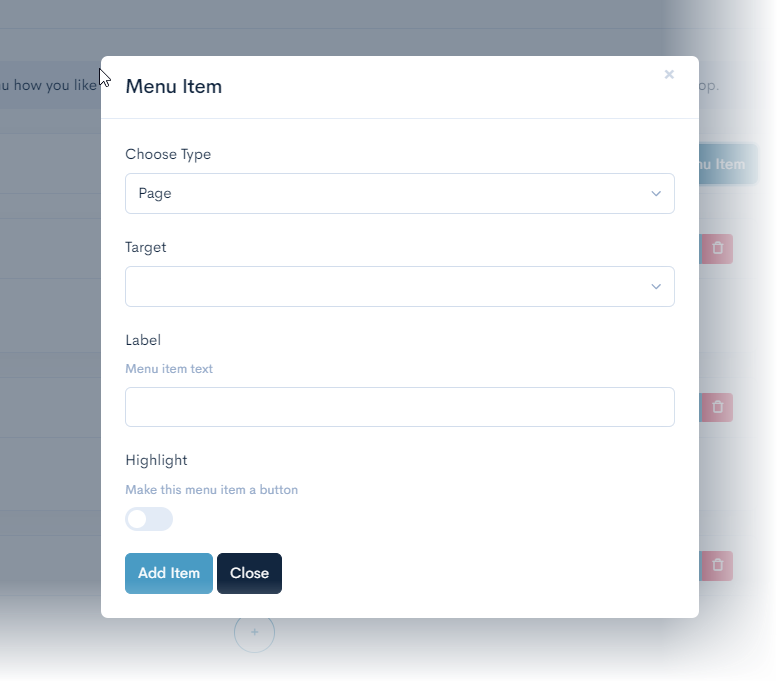
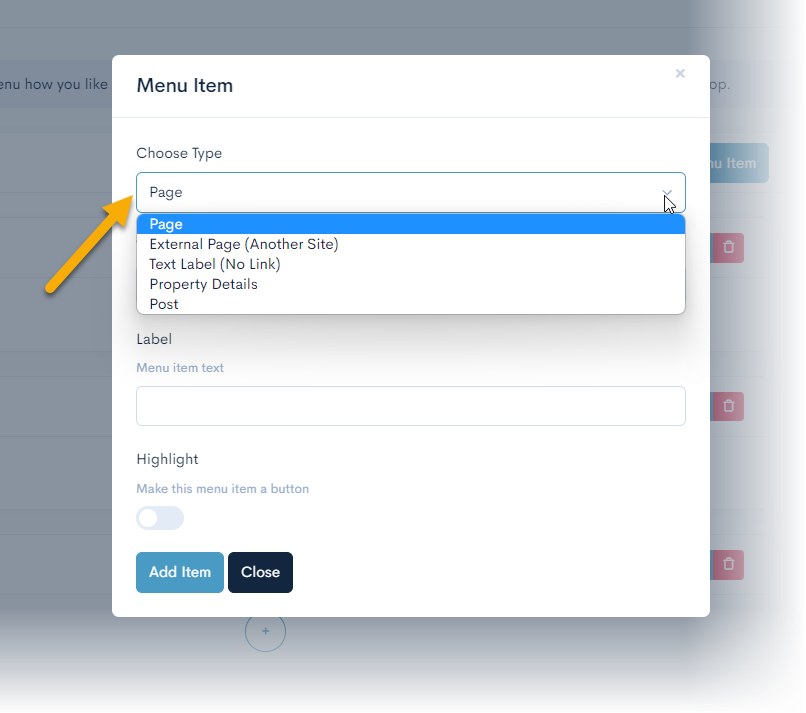
Select the Type from the dropdown list
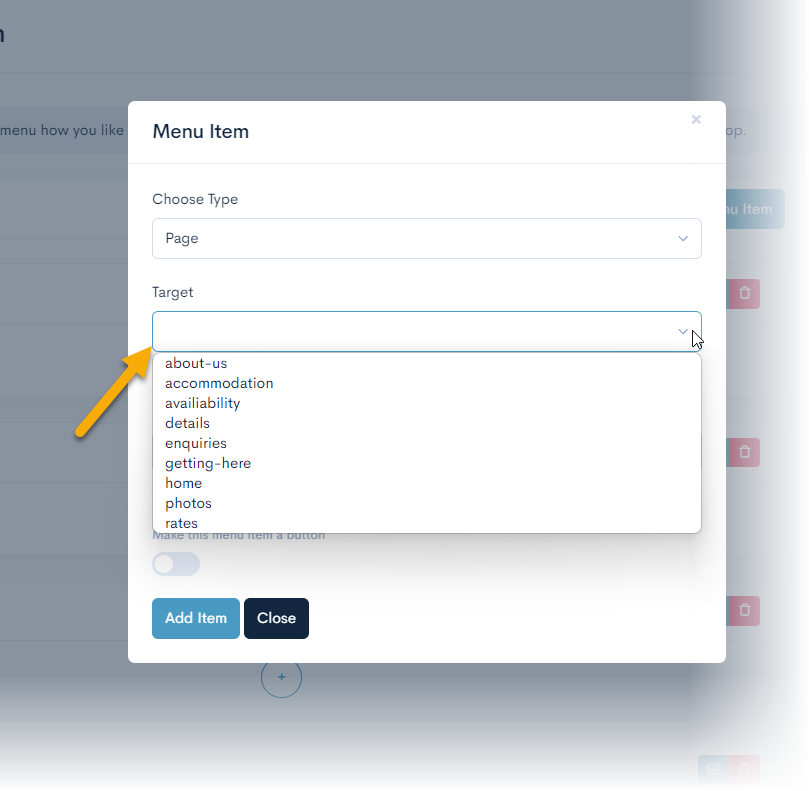
If you select ‘Page’, you will need to select the Target from the drop-down list
Choose a label for the menu item
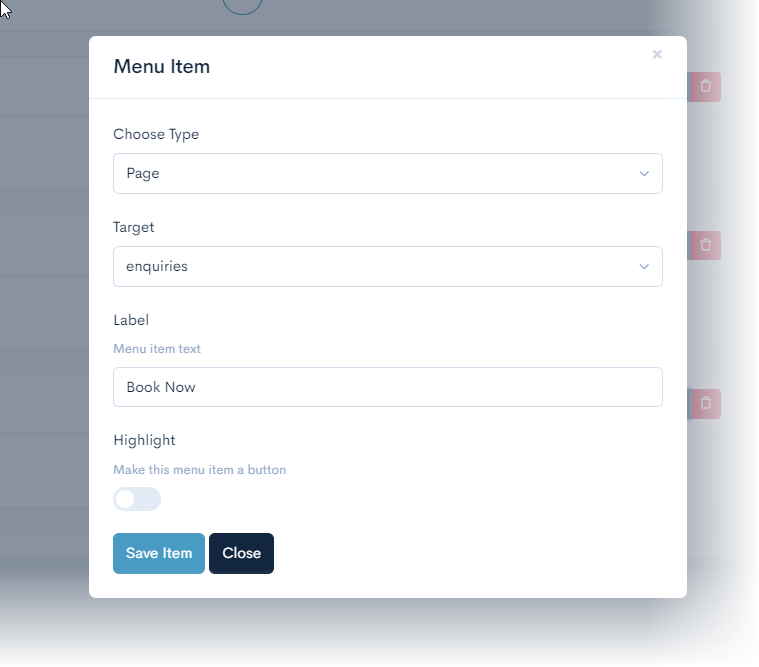
Switch ‘Highlight’ to on

Select ‘ Save Item’
Select ‘Save’
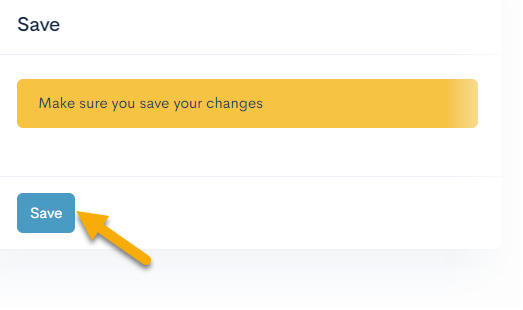
The menu item will now be set to a Call to Action button

Comments
0 comments
Article is closed for comments.